
Blog: submission problems, solved
Short, specific posts with one piece of original value each — a real error, a number, a fix. No rehashed documentation.
 Data Safety vs Privacy Policy: What's the Difference? →The structured Play declaration vs the hosted document — what each covers and why they must agree.
 7 Data Safety Mistakes That Get Apps Rejected →The repeat-offender declarations that trigger Play rejections — and the five-minute AAB check for each.
 Why Was My App Rejected from Google Play? →The most common Play rejection reasons — Data Safety mismatches, policy gaps, listing violations — and fixes.
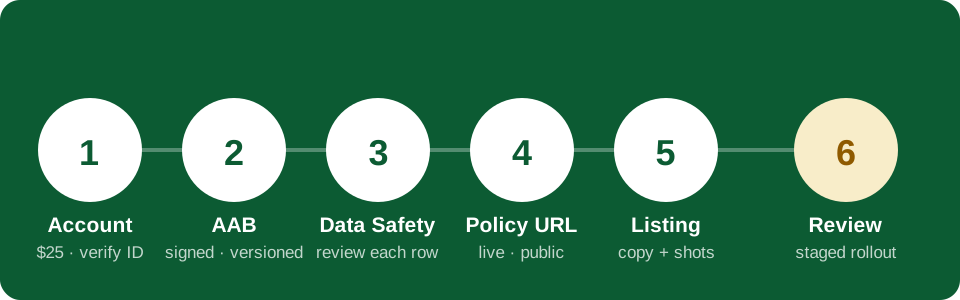
 Google Play Submission Checklist 2026 →Every item to verify before you hit submit: AAB, Data Safety, policy URL, listing, screenshots, review.What Counts as "Data Collection" Under Google Play's Data Safety Rules →Google's definition is broader than most developers expect: data safety collection includes anything your app or an SDK inside it transmits off-device —…The ACCESS_FINE_LOCATION Permission and What It Forces You to Disclose →Declaring ACCESS_FINE_LOCATION in your manifest doesn't just add a runtime permission prompt — it locks you into a specific Data Safety answer: "Location"…Firebase Analytics and Data Safety: The Row Developers Get Wrong Most →Firebase Analytics is in a huge share of Android apps, and it's also the single most mis-declared row in Data Safety forms.Crashlytics vs Analytics: Two SDKs, Two Different Data Safety Answers →Firebase Crashlytics and Firebase Analytics ship together so often that developers treat them as one declaration.Do You Need to Disclose Data You Collect But Never Share? →Yes — and this is the distinction that trips up more developers than any other part of the form.Collected vs Shared: The Data Safety Distinction That Trips People Up →Google Play's Data Safety form separates "collected" from "shared" for a reason: they have different consequences and different disclosure obligations.
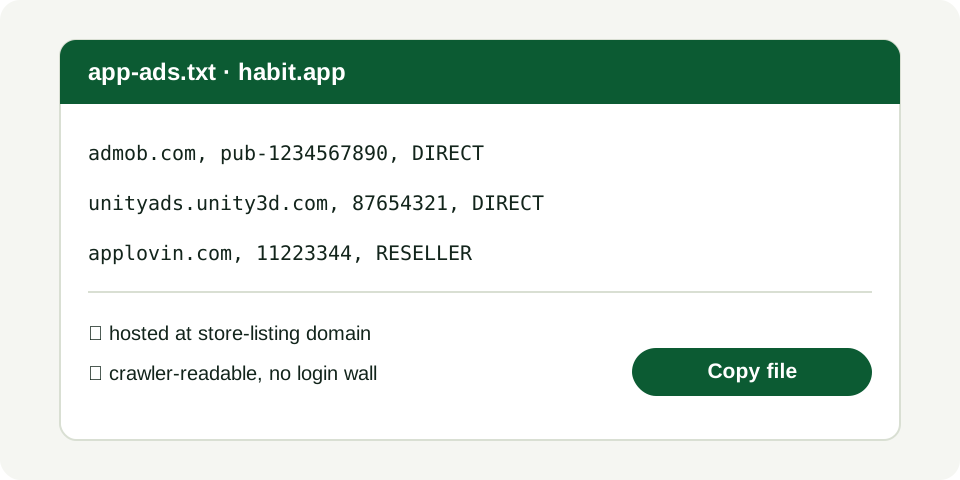 AdMob and Data Safety: What You're Actually Required to Declare →AdMob integrations routinely under-declare.Why "Optional" Data Types Still Need a Data Safety Row →If a feature in your app is optional — say, an email signup for a newsletter — the data it collects still needs a Data Safety row.Auditing Your App's SDKs for Data Safety Before You Submit →The reliable way to catch missing Data Safety rows isn't reading your own code — it's reading your AAB's actual file list and dex references, because that…Data Safety for Apps With No Backend: Do You Still Need the Form? →Yes, every app on Google Play needs a completed Data Safety form — there's no exemption for apps without a server.POST_NOTIFICATIONS on Android 13+: What It Means for Your Listing →Since Android 13 (API 33), POST_NOTIFICATIONS became a runtime permission instead of a manifest-only one, which means your app now needs an explicit user…
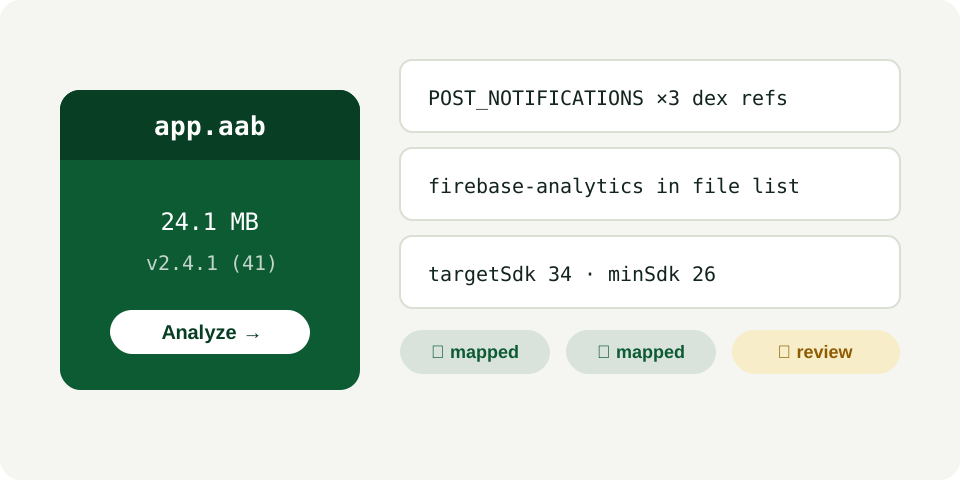 SCHEDULE_EXACT_ALARM: The Permission Google Reviews Manually →SCHEDULE_EXACT_ALARM is one of a small set of permissions that can trigger manual Play review rather than automated approval, because it's historically been…What targetSdkVersion 34 Changes About Your Data Safety Answers →Bumping targetSdkVersion doesn't just change runtime behavior — it can change what's available to collect.How Merged Manifest Permissions Sneak Into Your AAB →Gradle merges the manifests of every library you depend on into your final app manifest.Payment SDKs and Data Safety: Declaring Financial Info Correctly →Payment processing SDKs (card readers, wallet integrations, in-app billing add-ons beyond Google Play Billing) typically require a "Financial info" row in…Maps SDK and Location Data: What Play Actually Wants to Know →Embedding a maps SDK (Google Maps, Mapbox, or similar) almost always means declaring location collection, but the granularity matters: "precise" vs…Why Your Data Safety Form and Privacy Policy Must Say the Same Thing →Google's review process compares your Data Safety declarations against your linked privacy policy for consistency, and a mismatch between the two is a…Writing a Privacy Policy That Actually Matches Your App's Permissions →A generic privacy policy template — the kind copy-pasted across thousands of apps — often lists categories of data that don't correspond to what your…Do You Need a Privacy Policy If You Collect Zero Data? →Technically, if your app collects absolutely no personal data, Google Play doesn't require a hosted privacy policy link in Play Console.Hosting Your Privacy Policy: What Google Play Will and Won't Accept →Play Console requires a live, publicly accessible URL for your privacy policy — not a PDF attachment, not a policy embedded only inside the app with no web…GDPR Basics for Solo Android Developers Publishing on Play →If your app has users in the EU/EEA, GDPR applies regardless of where you're based as a developer.COPPA and Apps Aimed at Kids: What Data Safety Requires →If your app is directed at children under 13 (or the equivalent age threshold in your target regions), you're subject to significantly stricter rules —…
 Target Audience Settings and Why They Change Your Review Path →The target audience section in Play Console isn't a formality — it changes which policy set your app is reviewed against.The Families Policy: What Happens If Your App Appeals to Kids →Google's Families Policy applies not just to apps explicitly marketed at children, but to apps Google's review determines are likely to appeal to them —…Staged Rollouts: Why 100% on Day One Is a Bad Idea →Play Console lets you roll out an update to a percentage of your existing users before going to 100%, and skipping this step is one of the most avoidable…Pre-Launch Report Warnings You Shouldn't Ignore →Google Play's pre-launch report runs your app on real and virtual devices before it's visible to users, surfacing crashes, security vulnerabilities, and…App Signing by Google Play: What Changes vs Local Signing →Play App Signing means Google holds your app's signing key and re-signs your uploads for distribution, while you sign your uploads with a separate upload key.Version Codes: Why Reusing One Gets Your Upload Rejected →Every AAB you upload needs a strictly higher versionCode than any previous upload to that app, across all tracks — internal testing included.AAB vs APK: Why Google Play Requires Bundles Now →Since August 2021, new apps on Google Play must be published as Android App Bundles (AABs) rather than APKs.Short Description vs Full Description: What Each One Is For →The short description (80 characters) is the only text visible before a user taps into your store listing — it needs to work as a hook, not a feature summary.
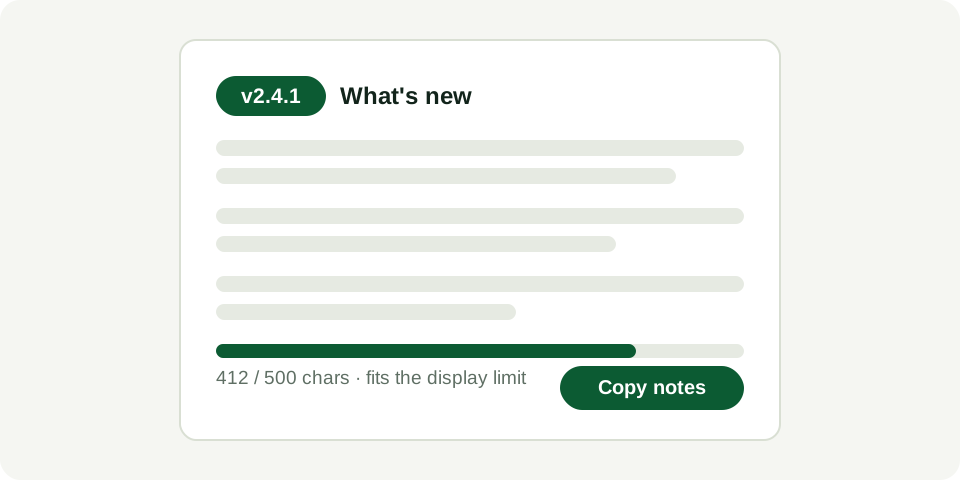 Writing Release Notes That Don't Sound Like a Changelog Nobody Reads →"Bug fixes and performance improvements" as release notes is technically compliant but does nothing for your update's visibility or your users' trust.Screenshot Requirements: Sizes, Counts, and Common Rejections →Google Play requires a minimum of 2 screenshots per supported device type (phone, tablet, if applicable), at specific minimum and maximum dimensions, in PNG…Feature Graphic Mistakes That Get Store Listings Flagged →The feature graphic (1024×500) is one of the most visible assets on your store listing, and it's also frequently rejected for containing text that's too…Keyword Stuffing in App Titles: Where Google Draws the Line →Google Play limits app titles to 30 characters and has specific policy language against keyword stuffing — titles that cram searchable terms in rather than…ASO Basics: What Actually Moves the Needle on Play Store Search →Of the levers developers can control, your app title, short description, and the first few lines of your full description carry the most search-ranking…In-App Purchases and Data Safety: What Changes When You Add Billing →Adding Google Play Billing for in-app purchases or subscriptions typically requires a "Purchase history" row in your Data Safety form, since transaction…Ads SDKs and the Data Safety Rows You Might Be Missing →Beyond the obvious "Advertising or marketing" data type, many ad SDKs also collect device identifiers, approximate location for geo-targeted ads, and app…
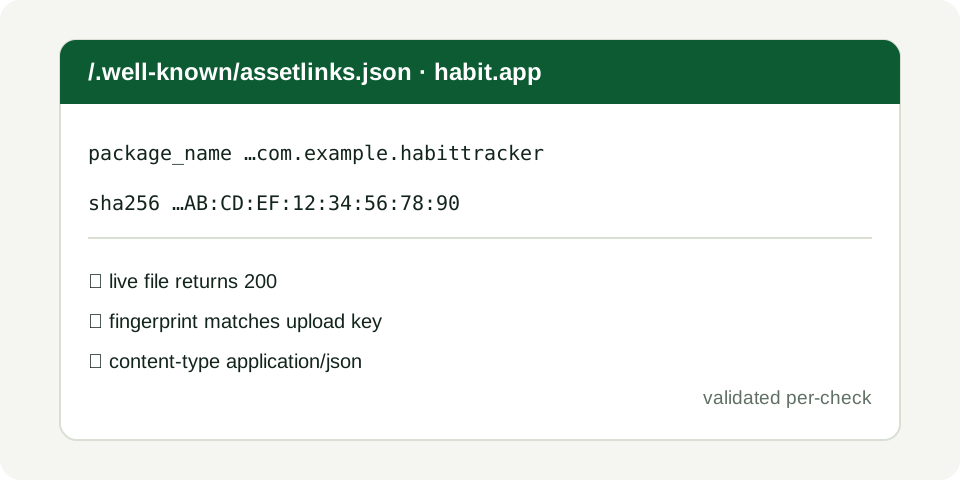 Deep Links and App Links: Verifying Ownership Without Breaking Review →Android App Links require a assetlinks.json file hosted on your domain to verify ownership before Android will treat your app as the default handler for…Why Google Flags Apps for "Deceptive Behavior" and How to Avoid It →Google Play's deceptive behavior policy covers a broad set of issues: impersonating another app or brand, misleading claims in your listing, or…Restricted Permissions: When Google Asks for a Declaration Form →Certain permissions — SMS, Call Log, and a few others — are classified as restricted and require a separate Permissions Declaration Form in Play Console…The Sensitive Permissions Google Manually Reviews Every Time →A specific set of permissions — background location, accessibility service access, and a handful of others — trigger manual human review regardless of your…What Happens During Google Play App Review, Step by Step →Review starts with automated checks — malware scanning, policy keyword matching, Data Safety cross-referencing against SDK fingerprints — before any human…How Long Does Google Play Review Actually Take in 2026? →Review times vary significantly based on whether your app triggers automated-only review or gets escalated to manual review.Appealing a Rejected App: What Actually Works →Google Play's appeal process is a structured form, not a support ticket — and vague appeals ("please review again, I don't understand the issue") are far…Updating an App vs Resubmitting: What Triggers Full Re-Review →Not every update goes through the same review depth as your original submission.What a "Policy Violation" Email Actually Means and How to Respond →A policy violation email is different from a standard rejection at submission — it typically means your app was live and got pulled or flagged after the…Account-Level Suspensions: How One Bad App Can Take Down Your Developer Account →Google Play's developer policies are enforced at the account level in serious cases — meaning a severe violation in one app (malware, serious deceptive…A Pre-Submission Checklist Built From Real Rejection Patterns →Pulling together the patterns across common rejection reasons, the highest-leverage checks before you submit are: Data Safety form matches your actual SDK…
For the full method behind each post, see the guides.